HAZE - One Knob Lo-Fi Plugin
A downloadable tool for Windows
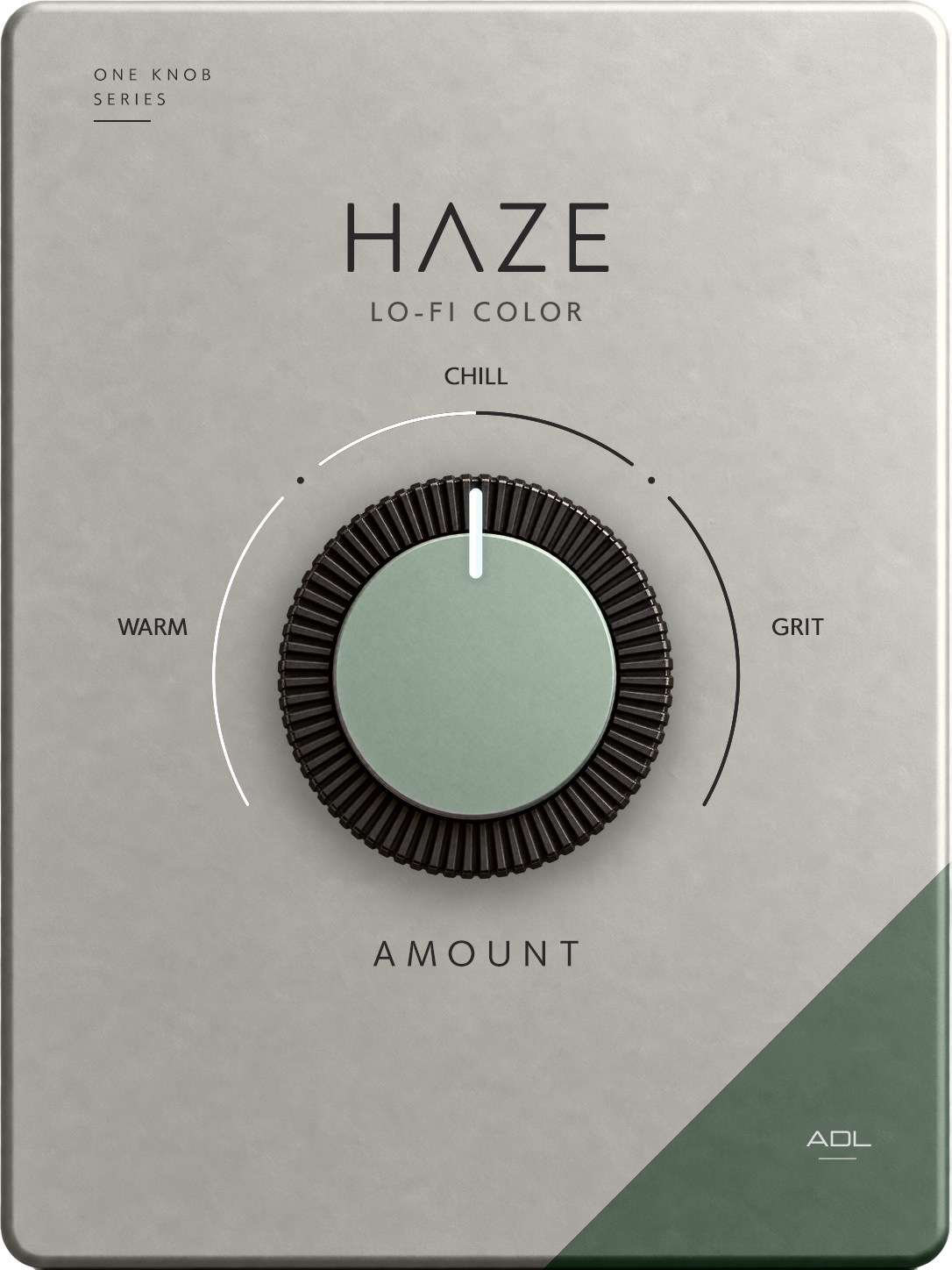
HAZEは、音にヴィンテージ感やLo-Fiな質感を加えることを目的に制作したワンノブVST3プラグインです。
AMOUNTノブを回すだけで、クリアな音から、くすみや質感を持ったLo-Fiサウンドへ変化させることができます。
ボーカル、ギター、鍵盤、ドラム、サンプルなど、音に少し古びた雰囲気やキャラクターを加えたい場面で手軽に使用できます。
AI DTM LABのYouTube企画として、プログラミング未経験の制作者がChatGPTを使って制作しました。
▶ 制作過程・サウンドデモはこちら
【対応環境】
・Windows
・VST3
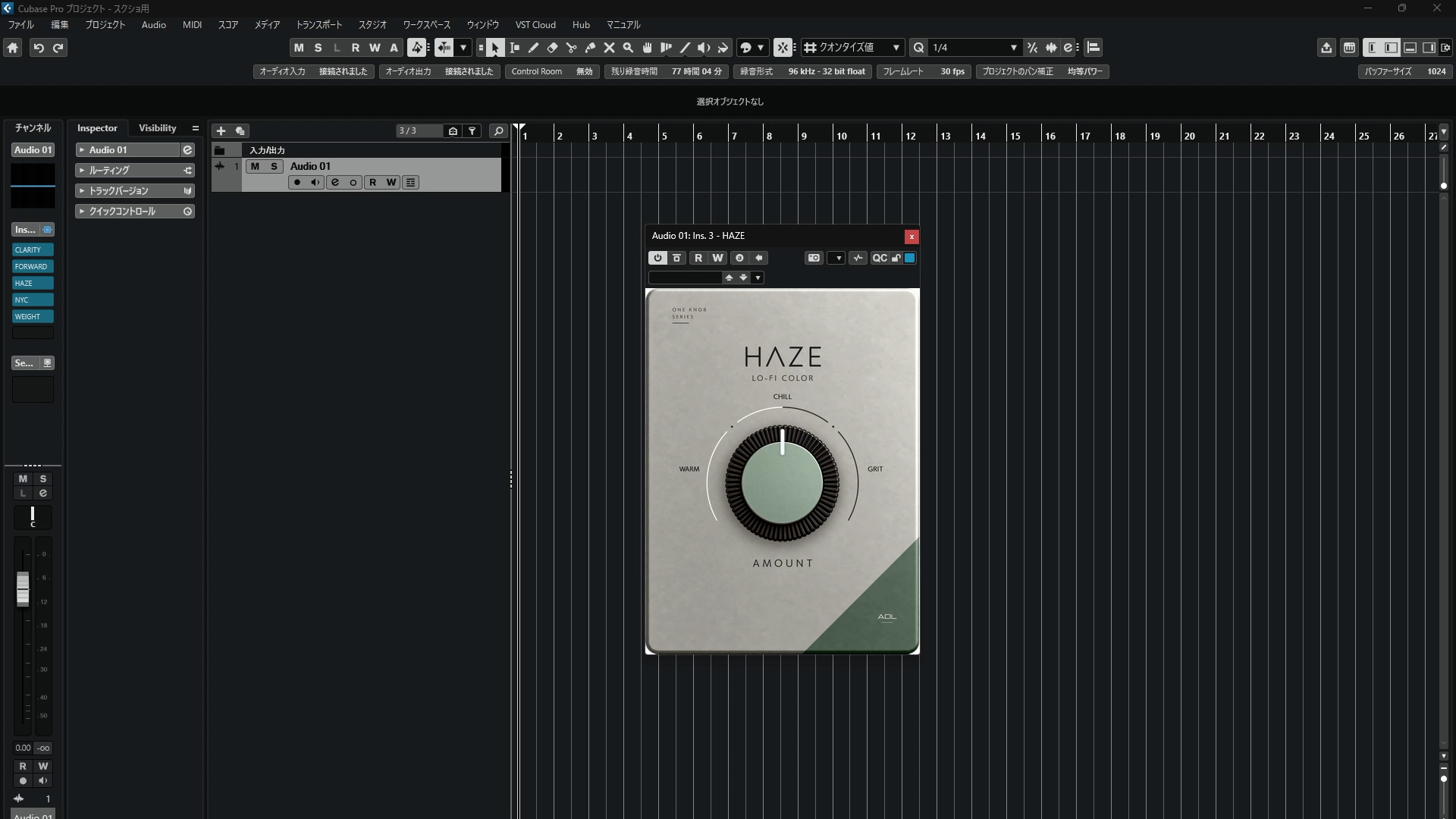
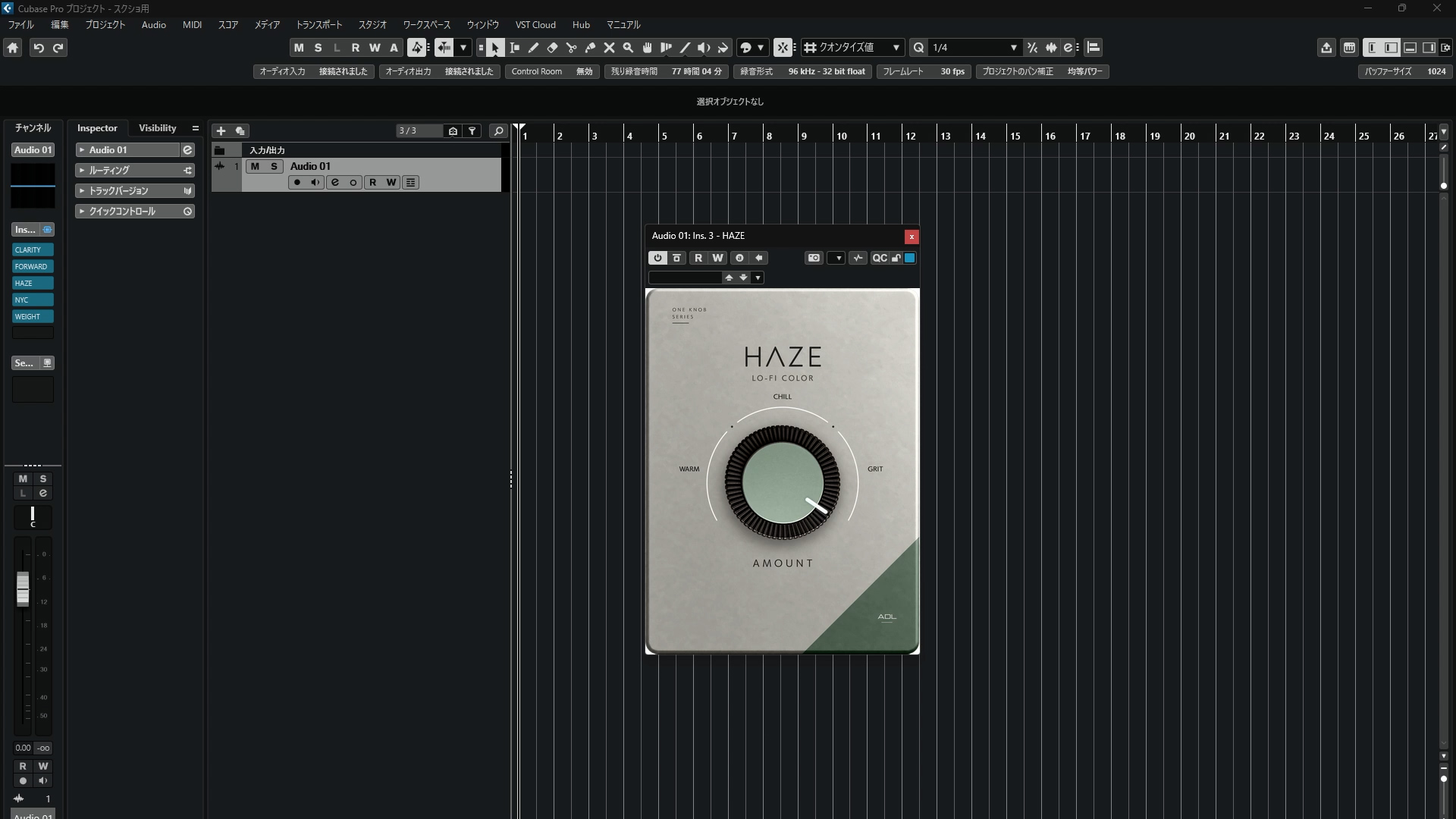
・Cubase 15 Proで動作確認済み
※Windows以外の環境では動作確認していません。
HAZE is a free one-knob VST3 plugin designed to add vintage lo-fi texture and character to your sound.
Created by AI DTM LAB with ChatGPT.
System: Windows / VST3
Tested with Cubase 15 Pro.
Download
Install instructions
ZIPファイルを解凍し、「HAZE.vst3」をVST3プラグインフォルダにコピーしてください。
Windows標準:
C:\Program Files\Common Files\VST3
その後DAWを再起動し、必要に応じてプラグインを再スキャンしてください。
Extract the downloaded ZIP file and copy HAZE.vst3 to your VST3 plug-in folder.
Windows default location:
C:\Program Files\Common Files\VST3
Then restart your DAW and scan for new plug-ins if necessary.
Leave a comment
Log in with itch.io to leave a comment.