FORWARD - One Knob Vocal Plugin
A downloadable tool for Windows
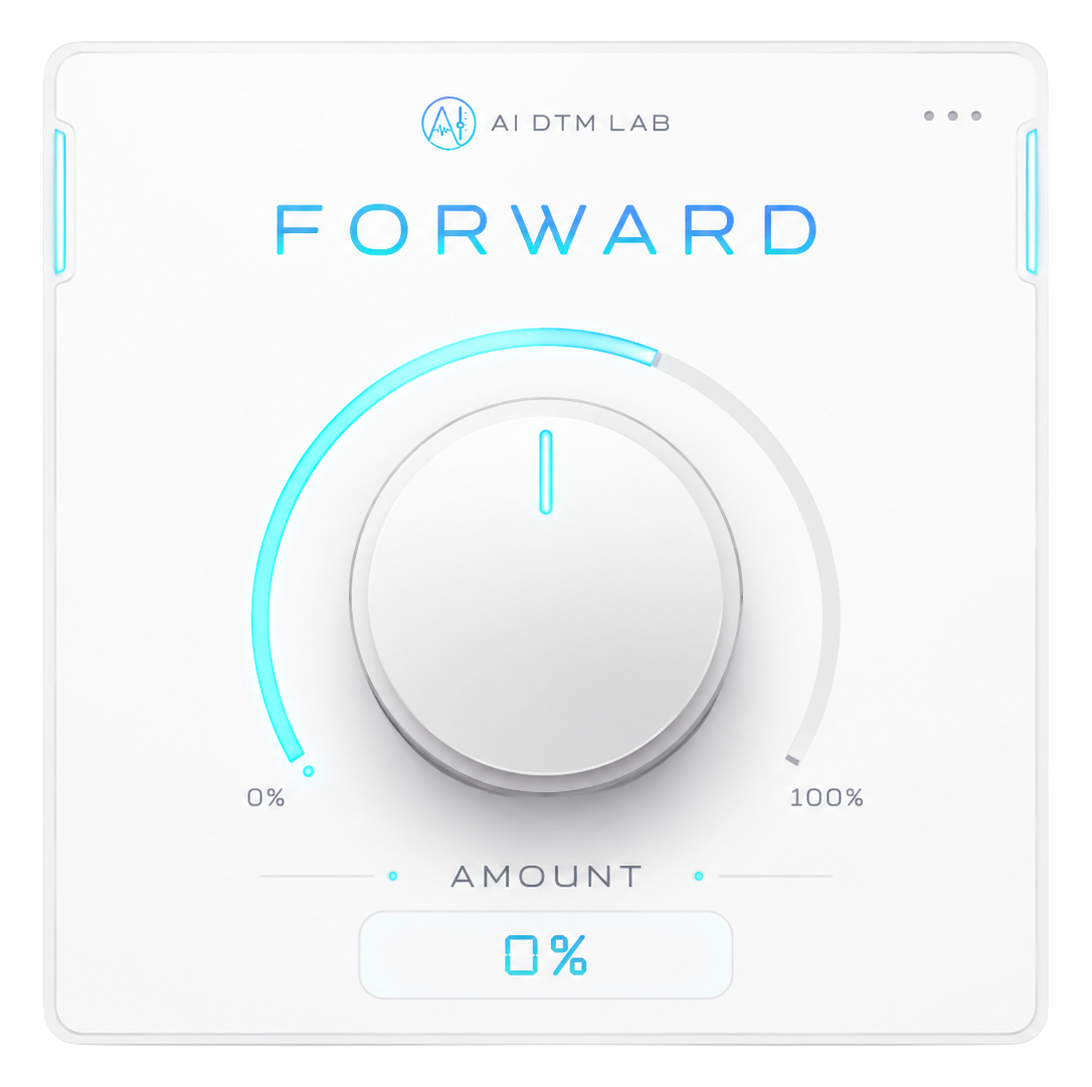
FORWARDは、ボーカルをオケの中から自然に前へ出すことを目的に制作したワンノブVST3プラグインです。
Amountノブを回すだけで、EQ、コンプレッション、ピークコントロール、ディエッサー、サチュレーションなど複数の処理が連動します。
AI DTM LABのYouTube企画として、プログラミング未経験の制作者がChatGPTを使って制作しました。
▶ 制作過程・サウンドデモはこちら
対応環境
- Windows
- VST3
- Cubase 13 Artistで動作確認済み
※Windows以外の環境では動作確認していません。
FORWARD is a free one-knob VST3 plugin designed to bring vocals forward in a mix.
Created by AI DTM LAB with ChatGPT.
▶Watch the development process & sound demo
System: Windows / VST3
Tested with Cubase 13 Artist.
Download
Install instructions
ZIPファイルを解凍し、FORWARD.vst3をVST3プラグインフォルダにコピーしてください。
Windows標準:
C:\Program Files\Common Files\VST3
その後DAWを再起動し、必要に応じてプラグインを再スキャンしてください。
Extract the downloaded ZIP file and copy FORWARD.vst3 to your VST3 plug-in folder.
Windows default location:
C:\Program Files\Common Files\VST3
Then restart your DAW and scan for new plug-ins if necessary.
Leave a comment
Log in with itch.io to leave a comment.