4000 Console - Analog Console Preamp Plugin
A downloadable plug-in for Windows
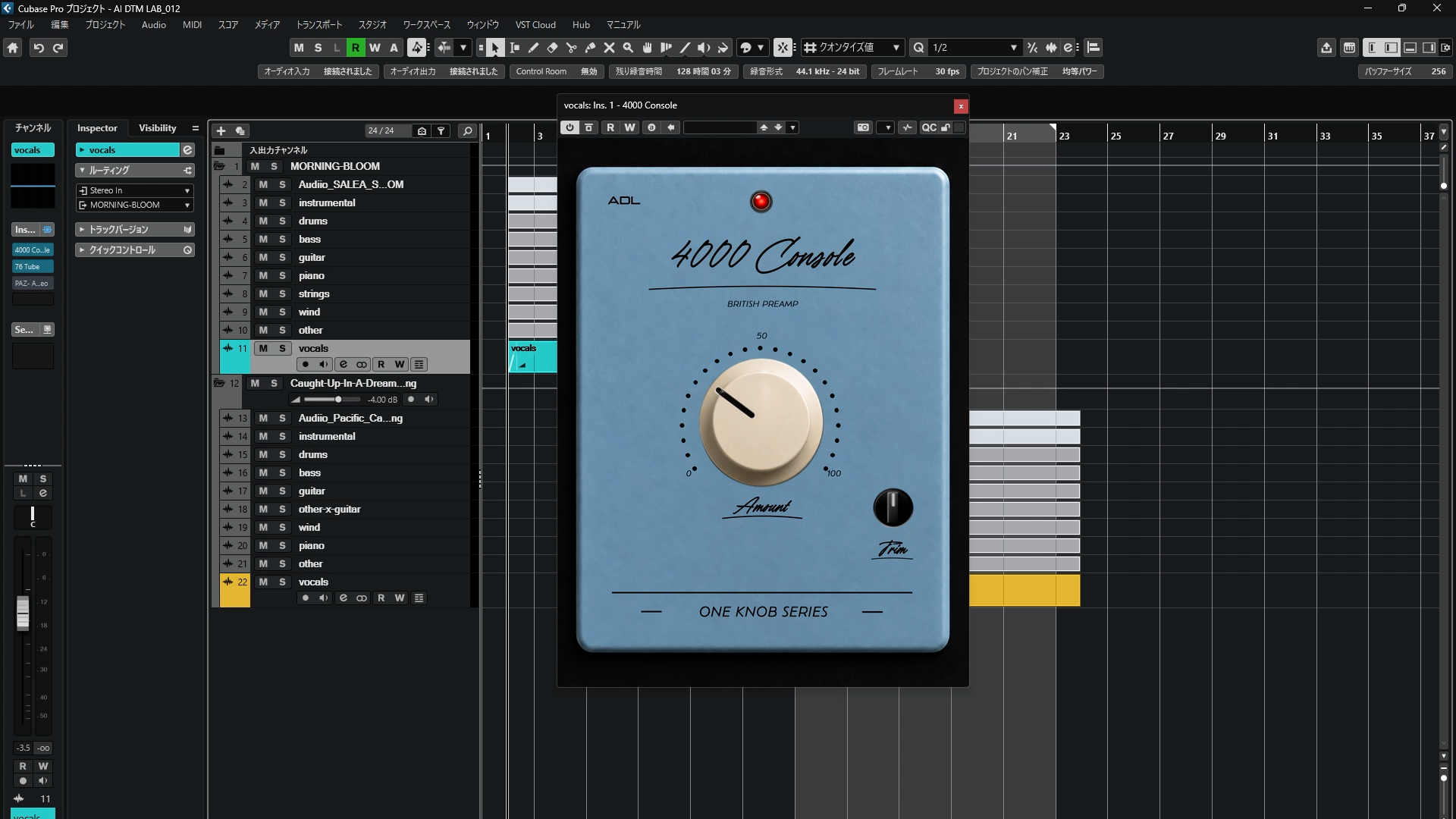
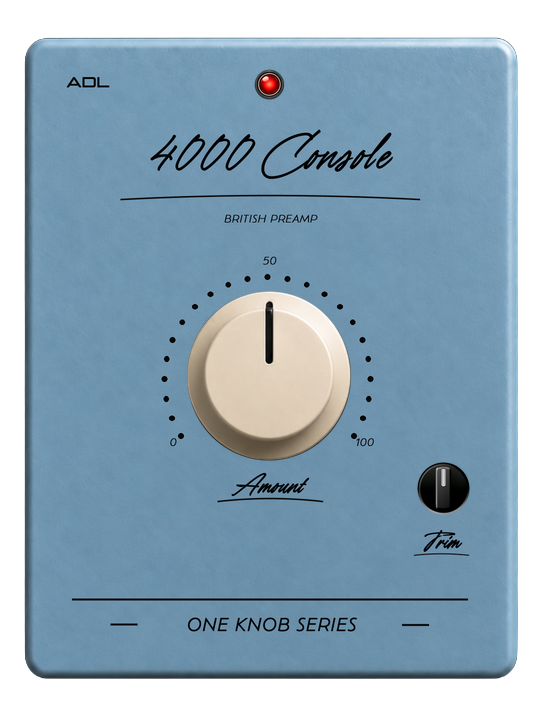
4000 Consoleは、コンソールプリアンプの質感をシンプルな操作で加えることを目的に制作したWindows用VST3プラグインです。
Amountを上げることで、自然な倍音とわずかなコンプレッション感を加えながら、音に密度と存在感を与えます。
TRIMで出力レベルを調整できるため、処理前後の音量を合わせながらサウンドの変化を比較できます。
AI DTM LABのYouTube企画として、プラグイン未経験の制作者がChatGPTを使って制作しました。
▶ 制作過程・サウンドデモはこちら
対応環境
・Windows
・VST3
・Cubase 15 Proで動作確認済み
※Windows以外の環境では動作確認していません。
4000 Console is a free VST3 preamp plugin designed to add subtle analog console-style character to your sound.
Increasing the Amount adds natural harmonics, density, and a slight sense of compression while keeping the original character of the source intact.
The TRIM control allows you to adjust the output level for easier level-matched comparison.
Created by AI DTM LAB with ChatGPT as part of our YouTube plugin development project.
▶ Watch the development process & sound demo
System: Windows / VST3
Tested with Cubase 15 Pro.
Download
Install instructions
ZIPファイルを解凍し、4000 Console.vst3をVST3プラグインフォルダにコピーしてください。
Windows標準:
C:\Program Files\Common Files\VST3
その後DAWを再起動し、必要に応じてプラグインを再スキャンしてください。
Extract the downloaded ZIP file and copy 4000 Console.vst3 to your VST3 plug-in folder.
Windows default location:
C:\Program Files\Common Files\VST3
Then restart your DAW and scan for new plug-ins if necessary.
Leave a comment
Log in with itch.io to leave a comment.